Daily Free software
Email me at juzten@gmail.com to get your ad here!!!
Your Add Here Your Add Here
Showing posts with label hotkey. Show all posts

Screenshot Captor

Posted In: , , , . By Never Surrender


Daily Free Software program of the day. If you want a free screen capturing program check out Screenshot Captor. It has many differences that set it apart from other screenshot programs such as it is optimized for taking lots of screenshots, smart autonaming of files, good multi-monitor support, it is highly configurable to work any way that you want it to, it sits in the system tray and stays out of your way. It also has lots of capture modes: Multimon (multiple monitors), desktop, active window, region, windows object. Each mode has a specific hotkey for the fastest access. There is much more to learn about this free screen capturing program at the Screenshot Captor website.

StumbleUpon
Add to Technorati Favorites Blogging Blogs - BlogCatalog Blog Directory Blog Directory


ClipX

Posted In: , , , , . By Never Surrender


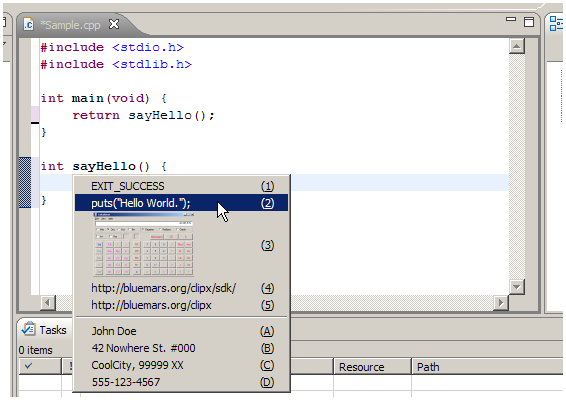
ClipX is the perfect clipboard history manager. It captures files copied to the Windows Clipboard. The copied files can be retrieved via a hotkey or a right-click menu . Under the right-click menu you can set a number of features and settings that are useful in everyday computer usage. It supports bitmap and text clips . ClipX is easy to use and is free for you. If you want to learn more about the program or you want to download it go to the provided link. ClipX free text clipboard

StumbleUpon
Add to Technorati Favorites Blogging Blogs - BlogCatalog Blog Directory Blog Directory